Getting Started
Welcome to CheckStatus Documentation
Learn how to build and manage beautiful status pages for your services
CheckStatus helps you build beautiful, reliable status pages to keep your customers informed about your service's health. This documentation will guide you through everything you need to know.
What is CheckStatus?
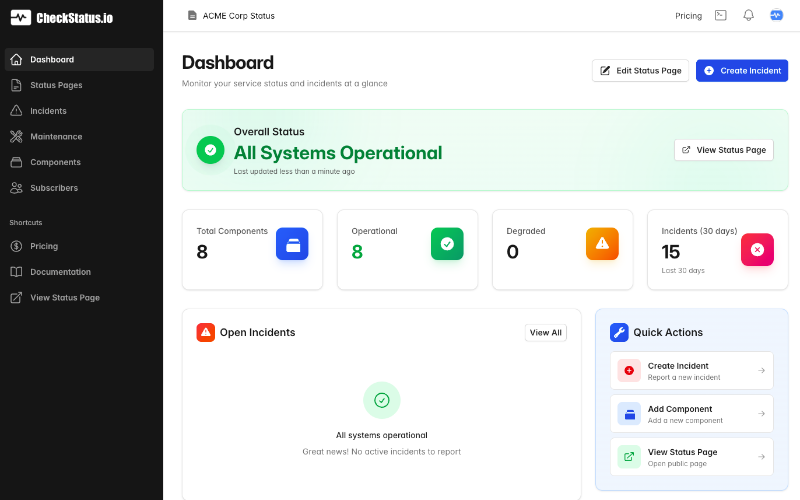
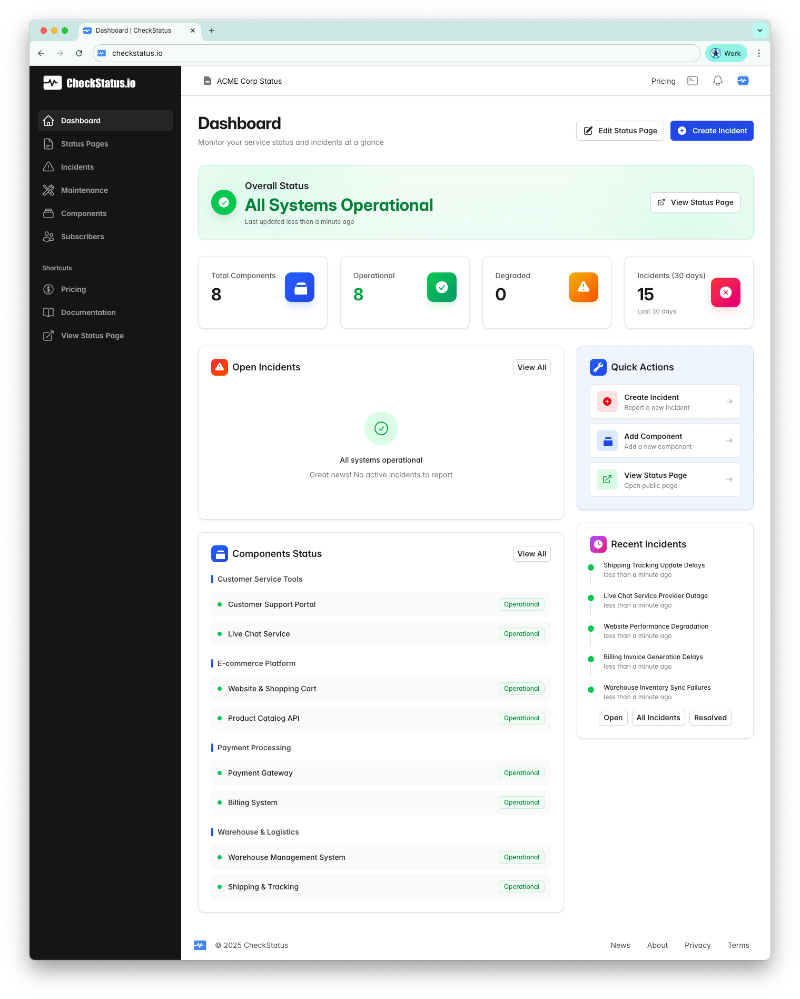
CheckStatus is a comprehensive status page platform that allows you to:
- Create Beautiful Status Pages - Build professional status pages with your branding
- Manage Incidents - Keep customers informed during outages and maintenance
- Track Components - Monitor individual services and display their status
- Schedule Maintenance - Plan and communicate scheduled maintenance windows
- Notify Subscribers - Automatically notify subscribers about incidents and updates
Getting Started
Get started with CheckStatus in just a few minutes:
- Sign up for an account - Create your CheckStatus account
- Create your first status page - Set up your public status page
- Add components - Define the services you want to monitor
- Report your first incident - Learn how to communicate outages
For a step-by-step walkthrough, check out our Quick Start Guide.
Key Features
Status Pages
Create beautiful status pages for your products or services. Each status page gets its own unique subdomain and can be fully customized with your branding, logo, and colors.
Learn more about Status Pages →
Components
Break down your service into components like API, Website, Dashboard, and more. Display the current status of each component and track uptime over time.
Incident Management
When something goes wrong, create an incident to keep your customers informed. Post updates as you investigate and resolve the issue.
Scheduled Maintenance
Plan maintenance windows in advance and notify your subscribers. Set auto-start and auto-complete options for hands-free management.
Learn more about Scheduled Maintenance →
Subscribers
Allow your customers to subscribe to status updates. They'll receive email notifications when incidents occur or when you schedule maintenance.
Learn more about Subscribers →
Team Collaboration
Invite your team members to help manage your status pages and incidents. Assign roles and work together to keep your customers informed.
Learn more about Team Management →
Billing & Subscriptions
Manage your subscription, understand our plans, and learn what happens with free trials and payment issues.
Need Help?
- Frequently Asked Questions - Common questions and answers
- Contact Support - Get in touch with our team
What's Next?
Ready to dive in? Here are some recommended next steps:
- Quick Start Guide - Get up and running in 5 minutes
- Status Pages Overview - Learn about status page features
- Incident Management - Master incident reporting